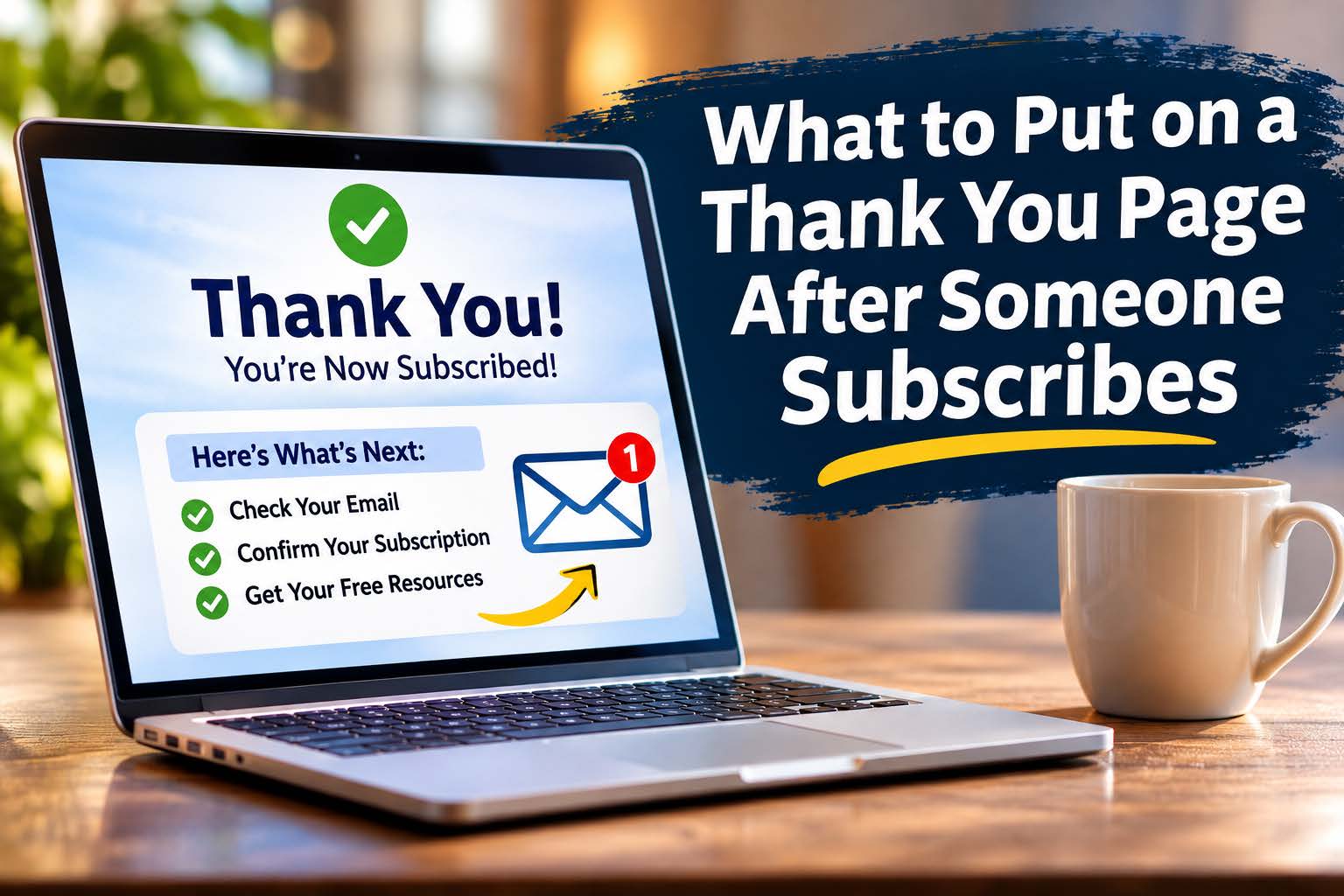
A thank-you page should answer three questions: Did my signup work? What happens next? Where do I get the information I requested?
You do not need a complicated design. You need an accurate confirmation message, clear instructions, and a working next step.
Here is how to put those pieces together.
Confirm What Actually Happened
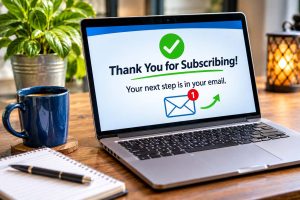
Your message should match your email signup process.
If subscribers must click an email confirmation link, they have submitted a request but have not completed their subscription. Use wording such as:
“Thanks for requesting the information. There’s one more step: check your inbox and click the confirmation link in the email.”
Tell them which sender name to look for. Explain that the requested resource will arrive after confirmation if that is how your system works.
If no confirmation is required, you could write:
“Thanks for subscribing. Check your inbox for the information you requested. If you don’t see the message, check your spam or promotions folder.”
Avoid promising delivery within five minutes unless you have tested the process. Email delivery can still vary.
Deliver the Resource as Promised
Read your signup page again. Did you promise a video, checklist, guide, or email lesson?
Your thank-you page should help the subscriber receive that specific resource.
-
Immediate video access: Put the video or its access button on the page.
-
A guide delivered by email: Explain which message contains the download link.
-
Delivery after confirmation: Make the confirmation instructions the main next step.
Do not promise immediate access on the signup page and then hide the resource behind unrelated offers.
For a video available directly on the page, you could write:
“Your video is ready below. Press play to watch the overview.”
Button text:
“Watch the Overview”
For a resource delivered after email confirmation:
“Open the confirmation email and click the link inside. Once you confirm, we’ll send the checklist you requested.”
Use these examples only when they accurately describe your process.
Choose One Main Next Step
Make the most important action easy to find.
If confirmation is required, focus on checking the inbox. If the resource is available immediately, focus on watching or downloading it.
Specific button wording helps:
-
Download the Checklist
-
Watch the Business Overview
-
Read the Setup Instructions
Avoid asking someone to follow several social accounts, explore multiple programs, and book a call before receiving the original resource.
Additional links can come later. First, complete the promise that brought the subscriber to the page.
Explain What Emails Will Follow
Tell subscribers what ongoing messages to expect, consistent with what they agreed to receive.
For example:
“I’ll also send practical online marketing tips and information about tools or programs that may interest you. You can unsubscribe using the link in any email.”
If you mention a frequency, make sure it matches your actual sequence. Do not promise weekly messages when your welcome sequence sends daily.
Identify the sender name and address clearly so people can recognize your messages. Asking someone to add your address to their contacts may help with recognition, but it does not guarantee inbox delivery.
Introduce Yourself Briefly
A short introduction helps connect your page with your emails.
For example:
“I’m Bruce Holbert. My website shares practical information about online marketing, email follow-up, and tools for building an online business.”
Keep this section brief. The visitor’s immediate need is getting the information they requested.
Only include experience, results, or qualifications you can accurately support.
Keep Related Offers Optional
You can introduce a relevant offer after explaining how to access the promised resource.
Make clear whether that offer is optional and whether it costs money. A visitor should not mistake a paid upgrade for a required step in receiving something advertised as free.
If a recommendation includes an affiliate link, explain that you may earn a commission near the recommendation.
A thank-you page should help someone move forward with a clear understanding of their choices.
Use a Simple Page Layout
A practical layout is:
-
Confirmation headline: Explain whether the signup is complete or confirmation is still needed.
-
Delivery instructions: Tell the visitor where to find the resource.
-
Primary action: Provide the video, download, or next-step instructions.
-
Email expectations: Identify the sender and explain the follow-up.
-
Brief introduction: Help the subscriber recognize who is communicating with them.
You can adjust the order to suit your process. Keep the essential instructions visible without requiring a long scroll.
Check the Page on a Phone
Open the page on your phone and test it.
Check that:
-
Text is readable without zooming.
-
Buttons are easy to tap.
-
Videos fit the screen.
-
Download links open correctly.
-
Pop-ups do not cover important instructions.
-
Audio does not start unexpectedly.
Use clear headings and short paragraphs. A clean layout is more useful than decoration that makes the next step difficult to find.
Test the Complete Signup Process
Opening the thank-you page directly is not enough. Start at the signup form and follow the visitor’s full journey.
Use an email address you can access, then:
-
Submit the form.
-
Confirm that the correct thank-you page opens.
-
Check for the expected email.
-
Complete email confirmation if required.
-
Open the promised resource.
-
Confirm that the page and email instructions agree.
An address already on your list may receive different treatment from a new subscriber. Check your email platform’s settings if a repeated test behaves differently.
Record any confusing or broken step and fix it before promoting the page.
Measure Whether People Complete the Process
Choose measurements that match the page’s purpose.
For a confirmation page, compare signup requests with confirmed subscriptions. For a download page, track clicks on the resource link where your tools support that. For a video page, review video engagement if available.
Email opens alone are not a dependable measure of success because privacy features can affect reporting. Look at resource clicks, replies, unsubscribes, and other relevant actions too.
Change one element at a time when testing. With only a few visitors, you may not have enough information to identify a reliable winner.
Make One Useful Improvement
Go through your signup process on your phone.
Can a new subscriber tell whether confirmation is required, where the resource will arrive, and what to do next?
Fix the first unclear step you find. A thank-you page earns its place by helping people receive what they requested.